Example flow
A new VC analyst goes from sign-up to Daily Brief to first follow-up.
Meet Maya. She's an analyst at a seed-stage fund focused on Indian defense and dual-use tech. She's tired of finding out about rounds from LinkedIn the morning after they close. A colleague sends her a ScoutFox invite.
This is what her first day looks like.
1. Sign-up and onboarding
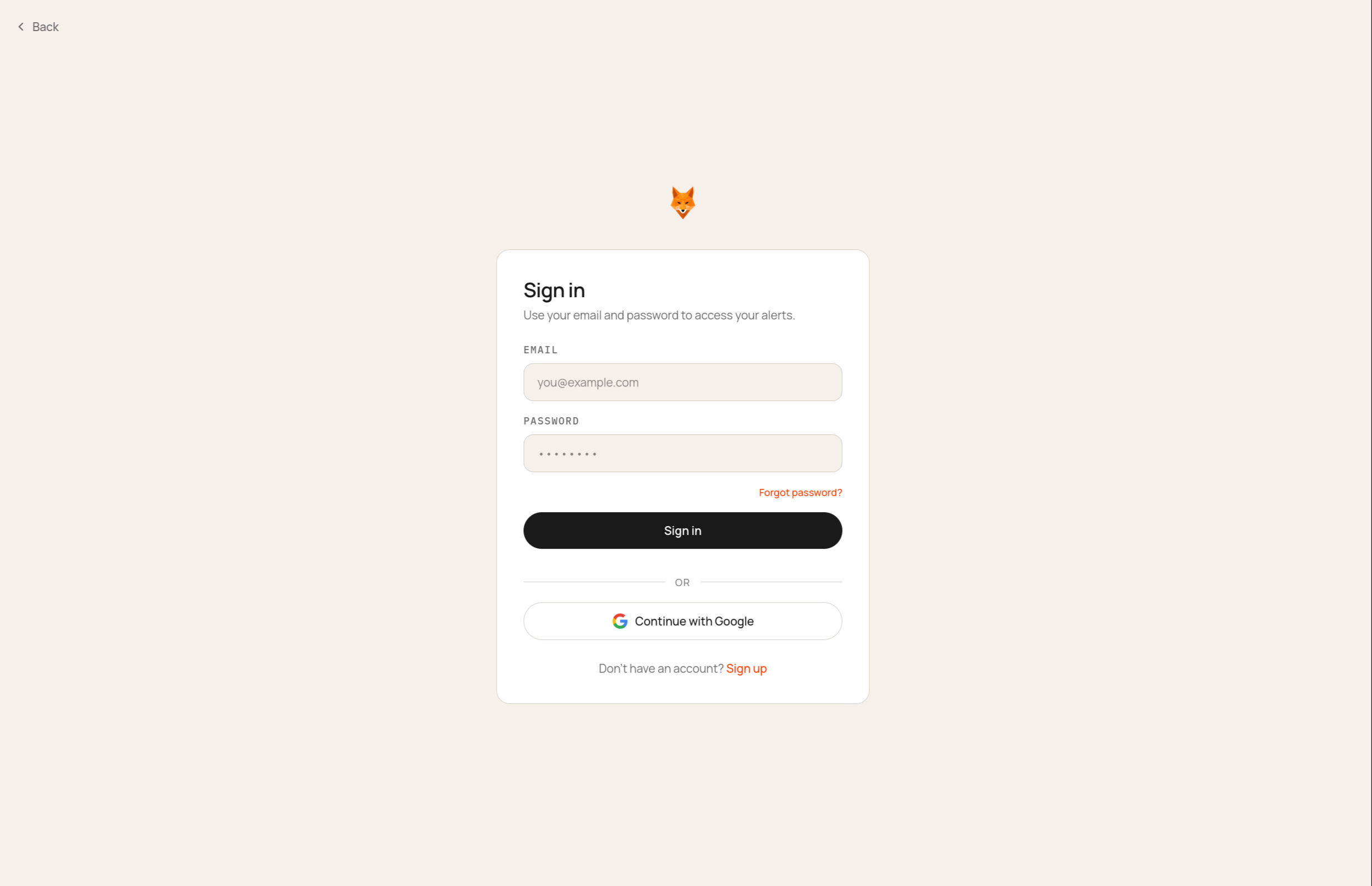
Maya signs in with Google. Onboarding is a short conversation, not a form — ScoutFox asks what she watches, why, and who she serves.
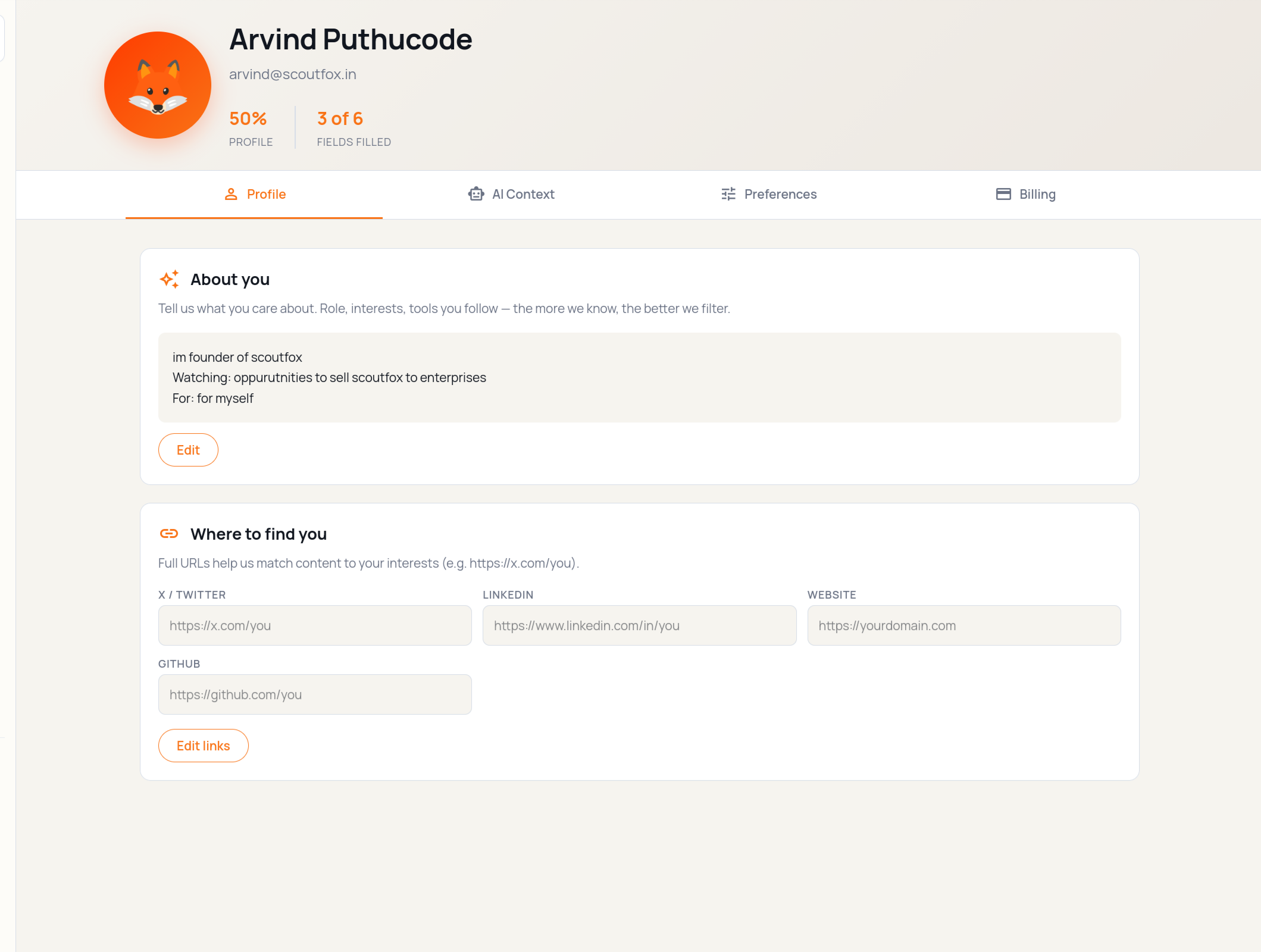
She answers three questions: what space she covers (Indian defense + dual-use), her fund's thesis paragraph, and the funds she races to deals.
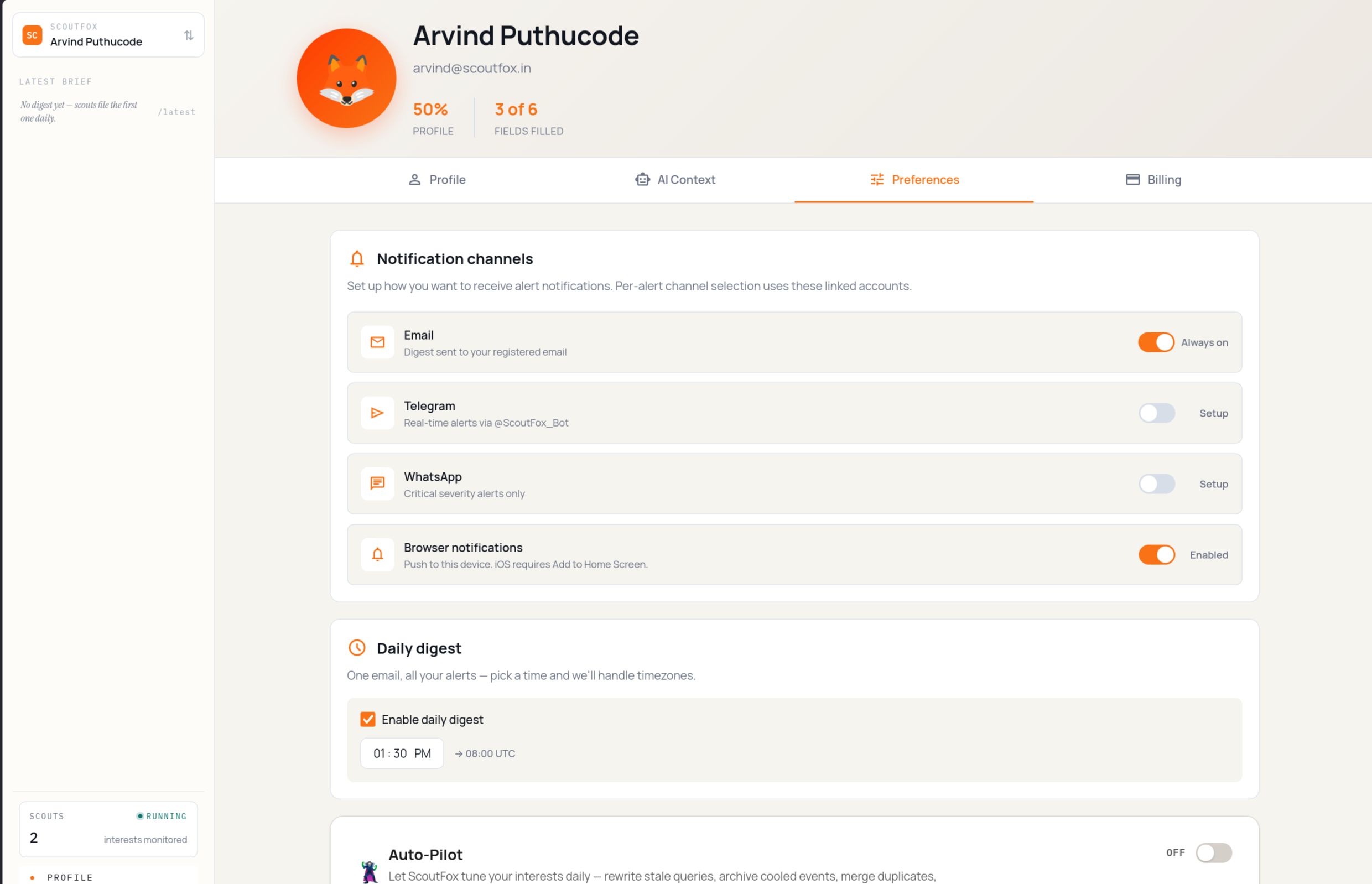
Next, ScoutFox asks how she wants to be reached. She picks Telegram and email; WhatsApp stays off for now.
A quick recap of her brief and channels, and she lands in the app.
2. Interests list and first prompt
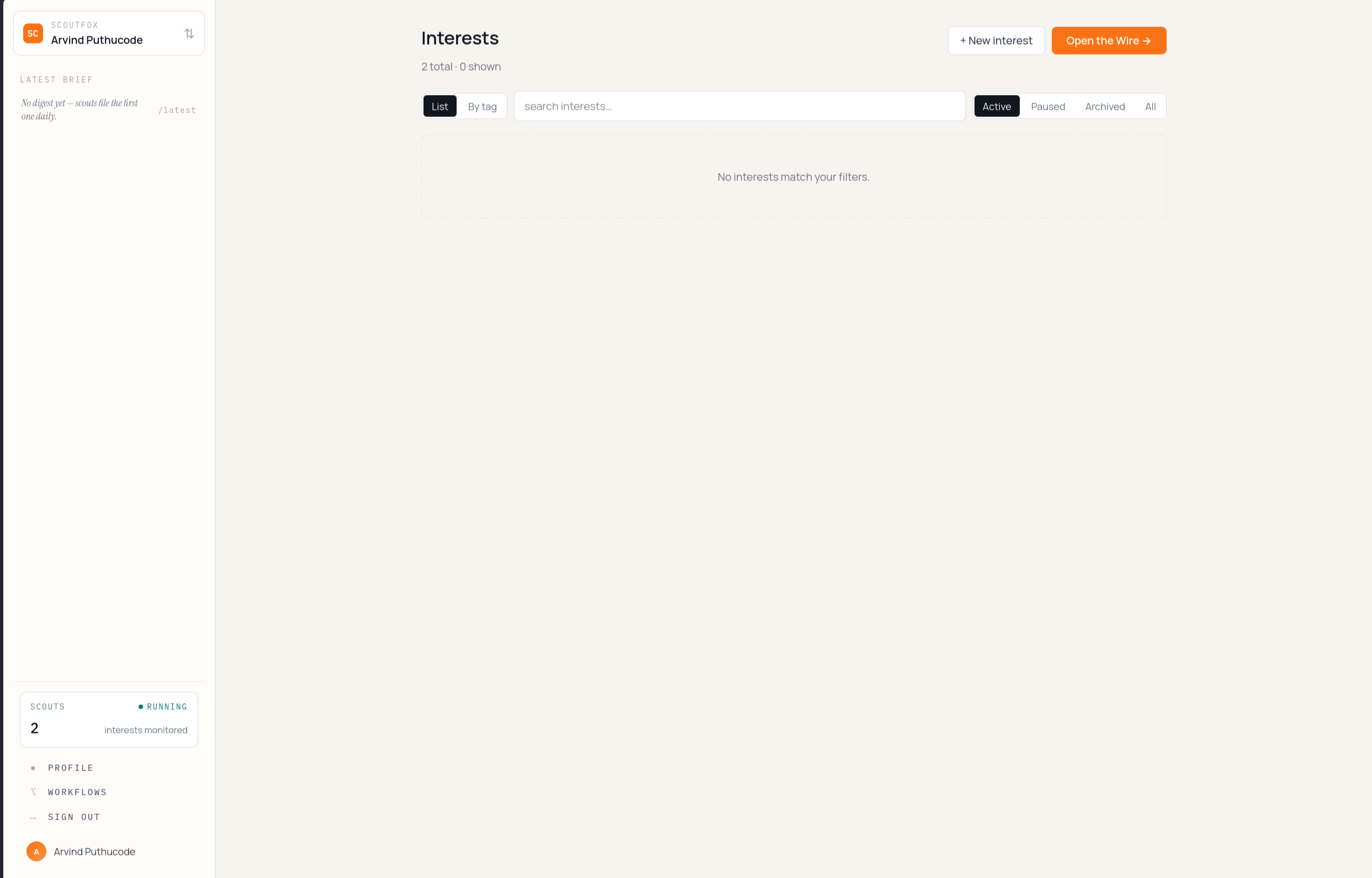
Maya lands on her Interests list at /dashboard. The focus areas from
onboarding are already there as standing interests — none have run yet, so
the dispatch feed at /dashboard/wire is still empty.
She opens cmd+k and types her own: "early-stage Indian drone startups raising seed."
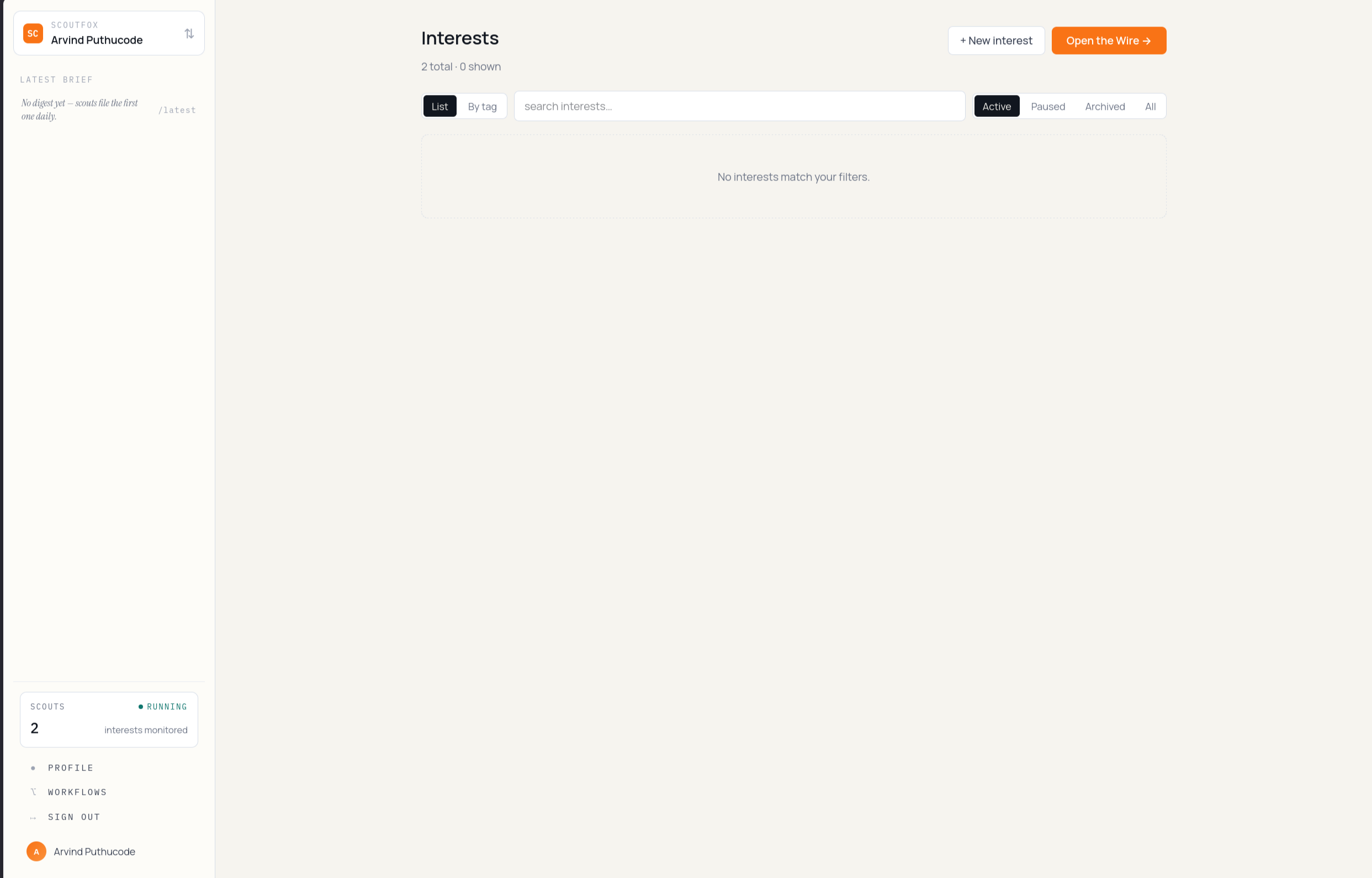
ScoutFox spins this into an interest under her brief, schedules it, and sends her back to the Interests list — the new row sits at the top.
3. First Daily Brief arrives
A couple of hours later Scout sends the first Daily Brief. It contains three things worth attention, with what changed, why it matters, sources, and one next action. If Maya wants to scan the raw feed, the Wire has the same dispatches.
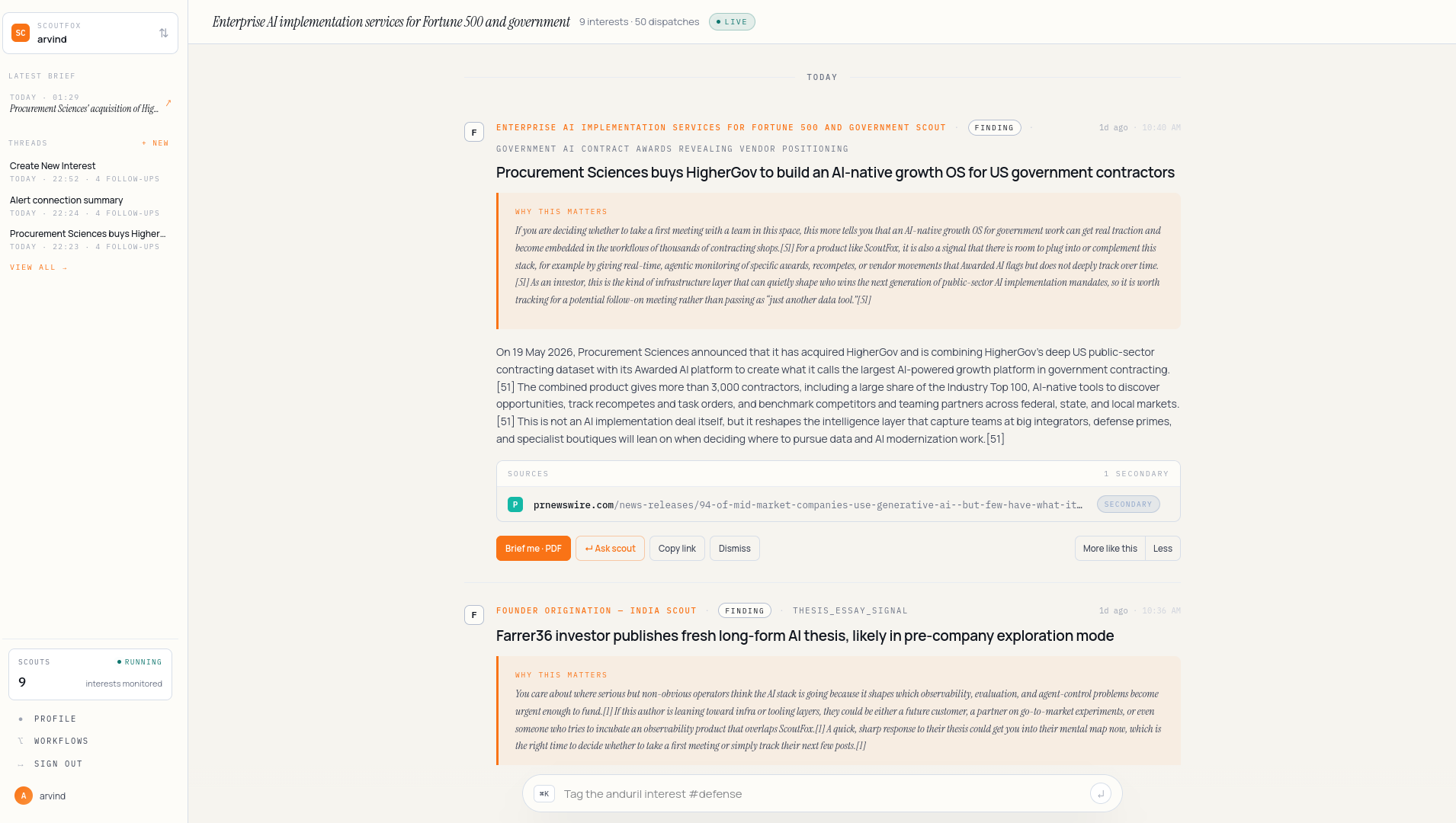
The card is dense. Top to bottom: a kicker (the interest), the headline (what happened), why it matters to her brief, primary sources, and the actions — Brief me, Ask scout, Save.

4. Brief me · PDF
Maya clicks Brief me. A PDF opens in a new tab — one page, no fluff, written for someone who already knows her thesis.

5. Ask scout
She wants to dig further. Ask scout opens a Scout thread, scoped to this
dispatch. If she had replied in WhatsApp with dig deeper, the long answer
would have landed in the same kind of app thread. She asks: "who else has
the same founders touched before?" The scout streams an answer with
citations.
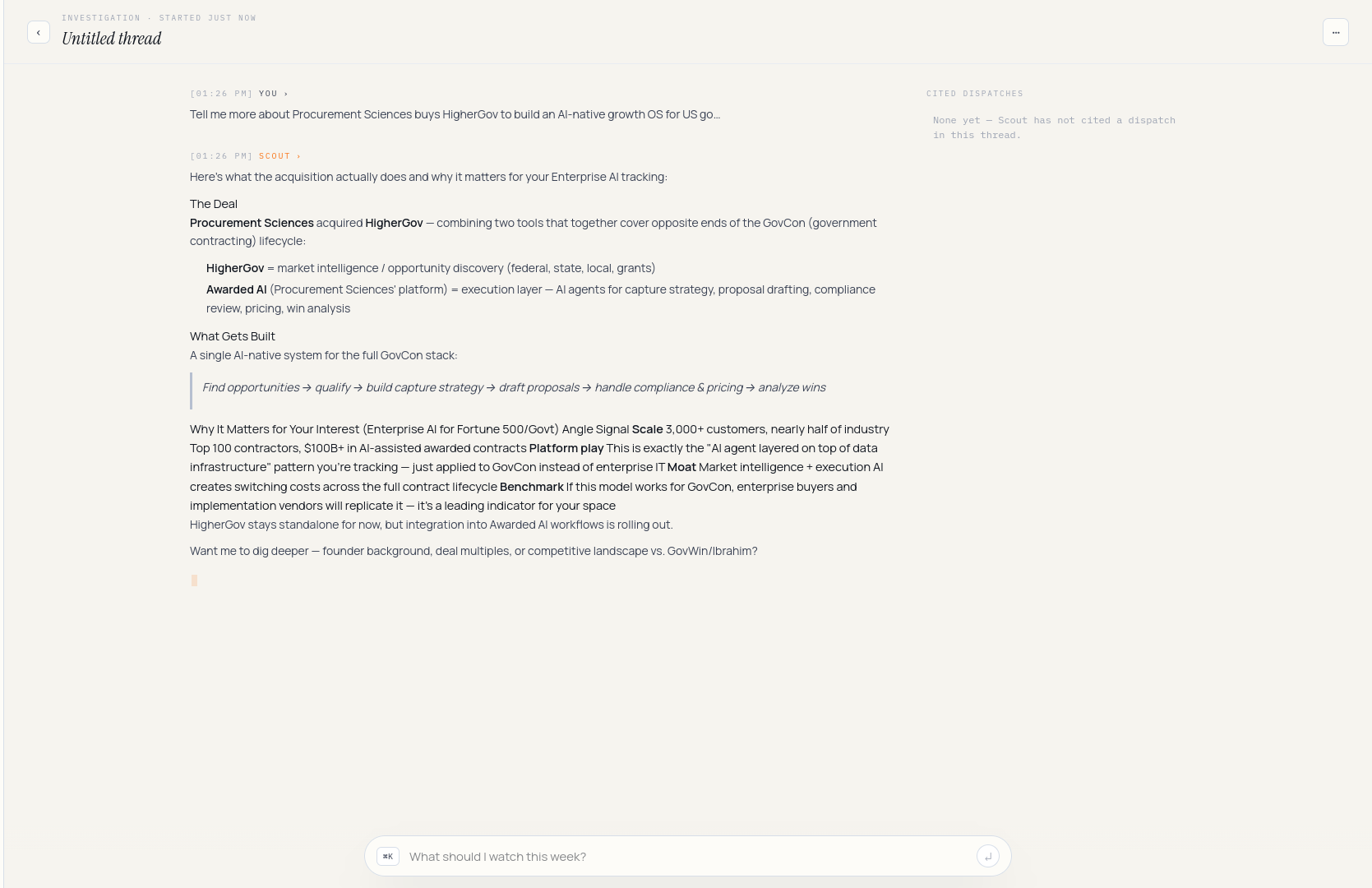
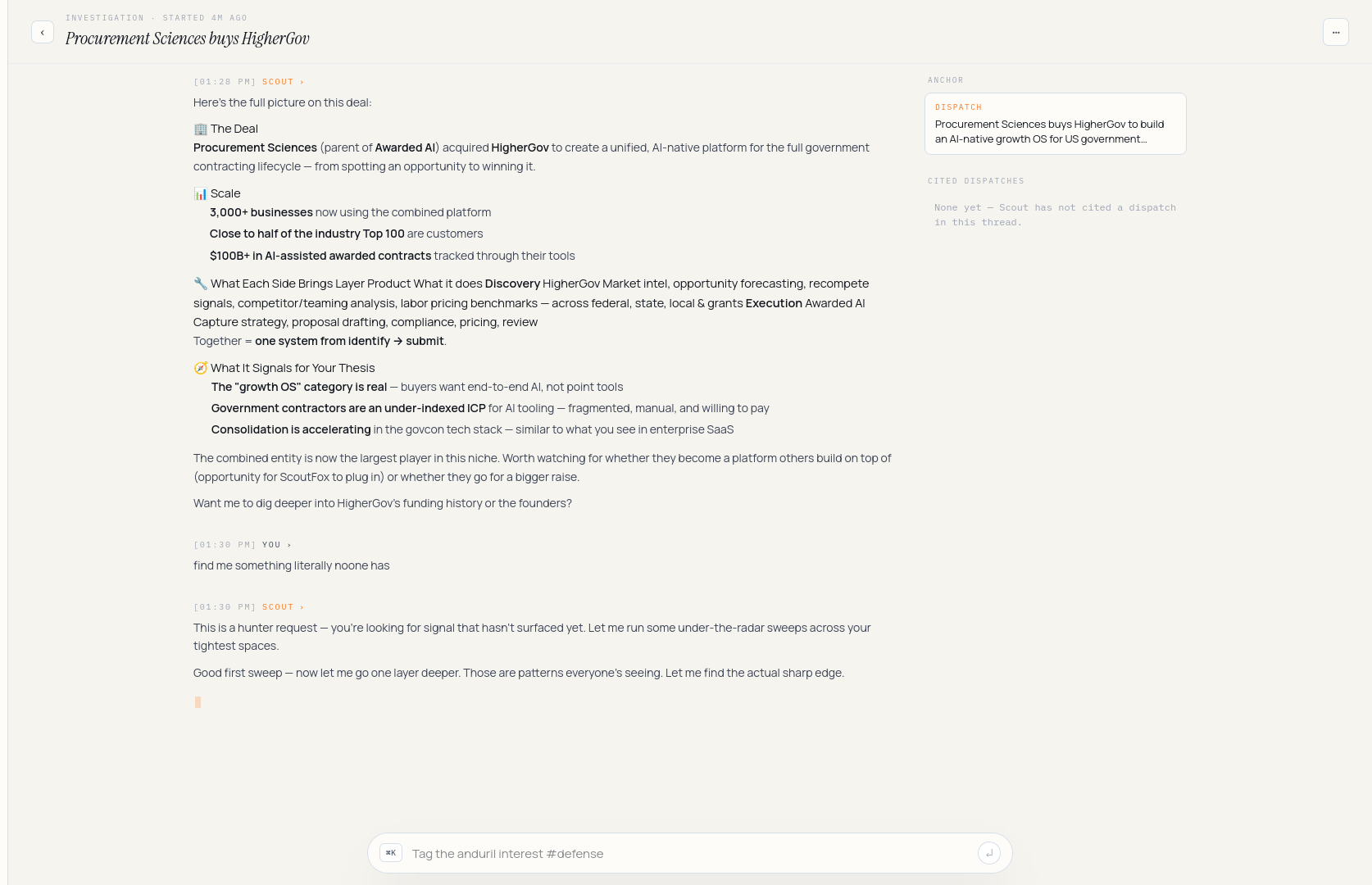
She follows up: "any common investors across those?" The thread continues.
6. Organize with tags
Maya wants to group the defense-flavoured interests together. She opens the
drone interest, clicks Edit, and on the Basics tab adds tags
defense, india. Save.
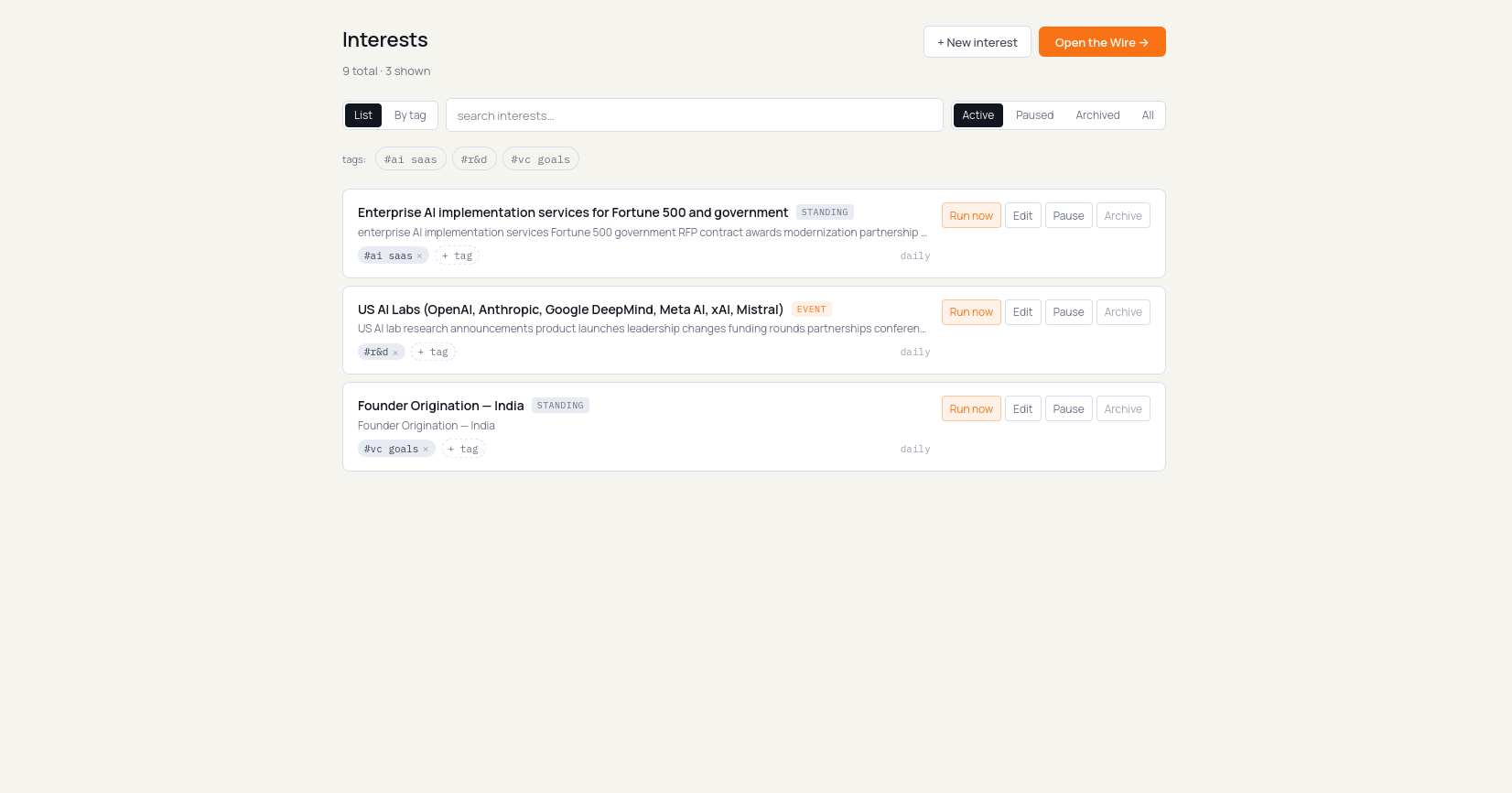
She could have done the same in one shot from cmd+k — /tag defense india
with the interest in focus — but she likes the visual confirmation.
Back on the Interests list she flips the view toggle to By tag
(/dashboard?view=by-tag). The drone interest now appears under both
defense and india; uncovered interests fall into Untagged at the
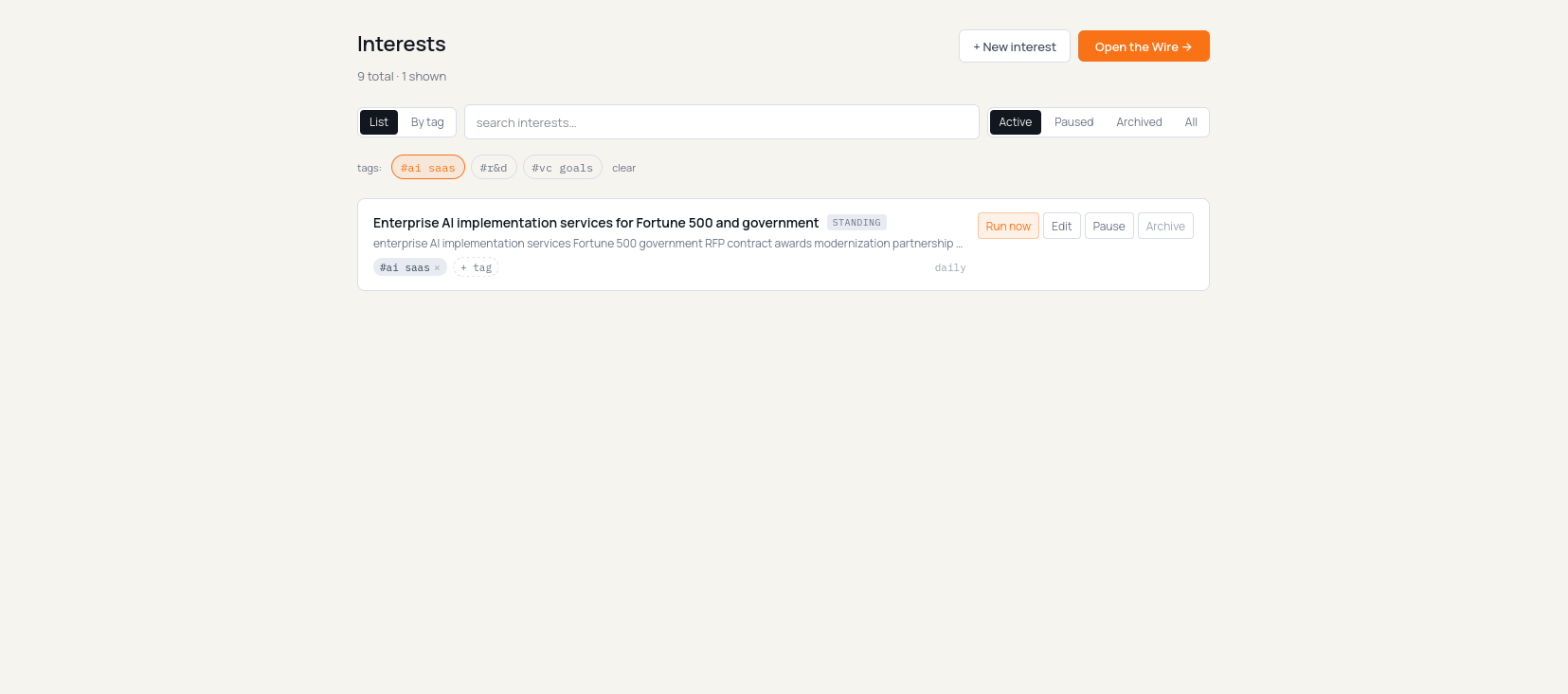
bottom. Clicking a tag chip also filters the flat list down to that tag,
with a removable filter chip above the results.
7. Daily digest
Next morning Maya gets the Daily Brief again by email/WhatsApp and sees the same edition in the app.
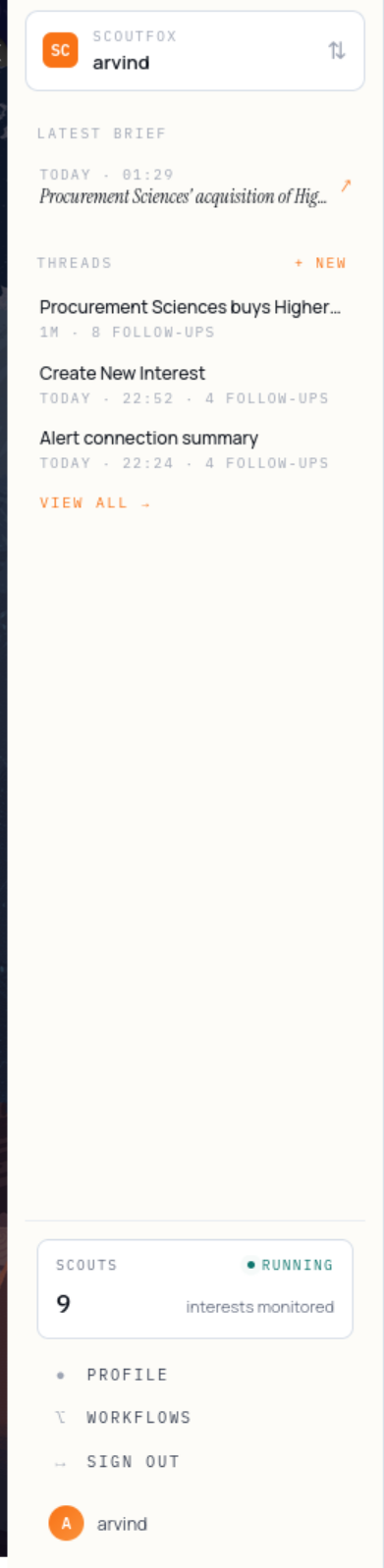
She opens it and the Daily Brief loads — last 24 hours of signals, grouped by interest, with a one-line "what to do" under each. Reply verbs let her explain, save, ignore, send, or dig deeper without hunting through a dashboard.
What just happened
Maya wrote a brief once. ScoutFox turned a prompt into an interest, she labelled it with tags, the scout ran against it, filed dispatches, sent a Daily Brief, let her continue in a Scout thread, and used replies to sharpen future filtering. That's the loop: brief → interests → Daily Brief → reply → memory. Every screen above is a step in that loop.